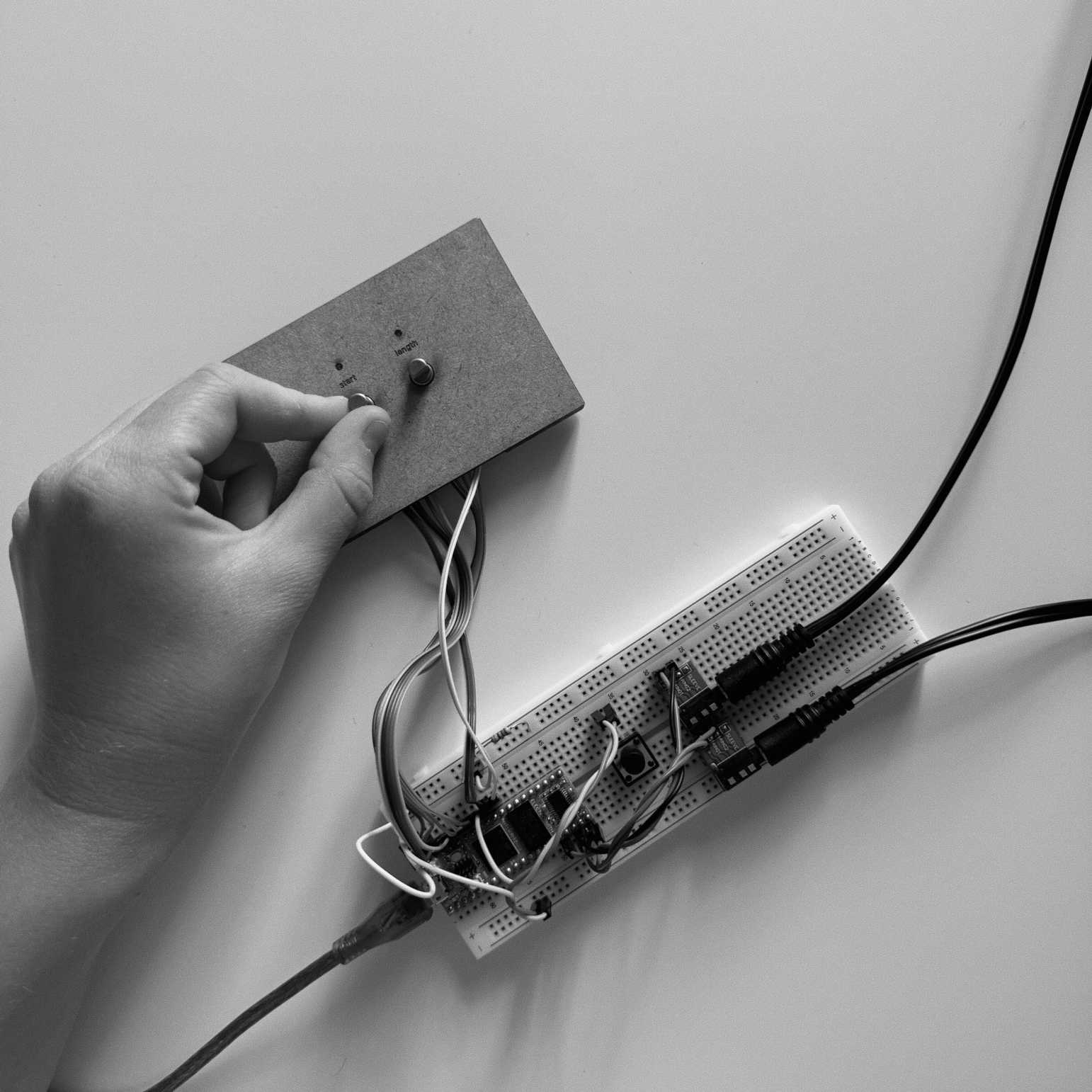
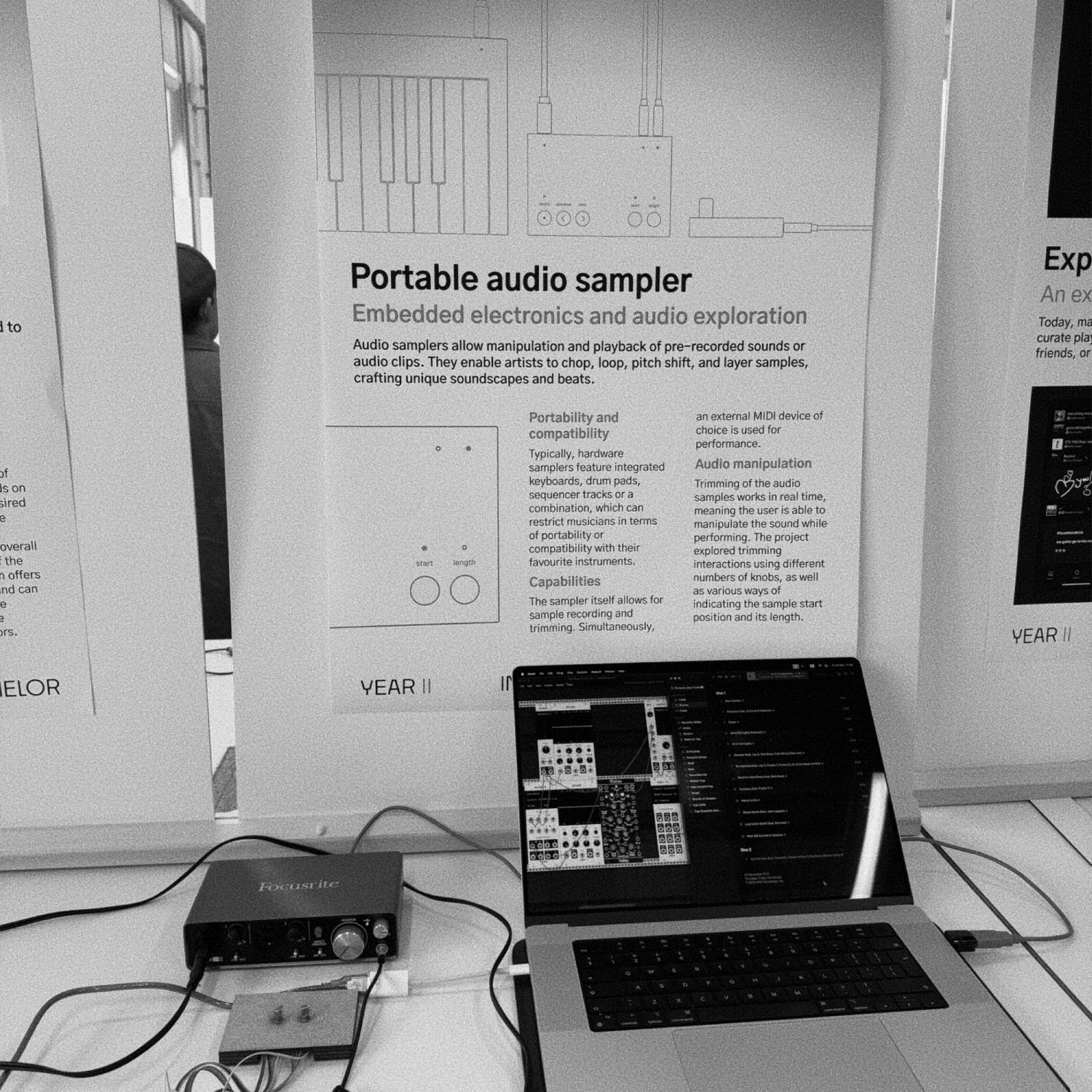
This project successfully developed a functional audio sampler, similar to commercial models, while providing insights into their design and functionality. Although the prototype closely resembles existing products, it helped uncover the rationale behind common design choices, which are often undisclosed by manufacturers.
Through testing multiple interfaces, I identified effective interactions for sample recording, manipulation, and playback.
Additionally, the project deepened my understanding of real-time audio processing, embedded electronics, and interaction design, revealing the technical complexities involved.
Existing projects within the theme
I looked at Lee's Chopping Board, which spreads one sample across a touch-sensitive strip, and Argo's Slidepipe, where two paddles on a pipe mark the sample's start and end. Both made audio feel physical and easy to understand, but each needed many electronic parts plus software on both a computer and a microcontroller. So I started with what I could actually get: rotary encoders with built-in switches and standard buttons.
Existing products on the market
I compared 9 commercial samplers (KORG Volca Sample 2, PO-33 K.O!, Model:Samples, Digitakt, Polyend Tracker and others) on three things: sample recording, MIDI playback and real-time trimming. I sorted them by whether start and length could be adjusted during performance. At first I saw this only as a technical feature and didn't know how it changed the experience.
Available and popular embedded electronics platforms
Real-time audio has to live in RAM, and the processor has to run well above the 44.1 kHz sample rate. So I compared the Raspberry Pi Pico (264 KB RAM, about 1.4 s of audio), Teensy 4.1 (about 5.3 s, or about 83 s on a custom board) and Daisy Seed (64 MB RAM, 480 MHz, about 333 s). I chose Daisy Seed because it has the most RAM, is built for audio, and has documentation and an active community.
Methods
I combined a thematic literature review, structured observation of existing samplers (with a feature checklist), Material Driven Design for hands-on exploration, task-based usability testing that measured timing and satisfaction, and semi-structured interviews. Bodystorming wasn't planned, but it came up naturally when a user found it hard to press and turn a knob with one hand while playing a keyboard with the other.
Setting up Daisy Seed
I compared Max/Pure Data with Daisy's own libraries and tried both DaisyDuino and libDaisy. DaisyDuino was quick to set up, but its documentation was thin, so I chose libDaisy with DaisySP because it gave me more control. Learning the platform took a large share of the project time before I could even start designing the interface.
Connecting peripherals (knobs, buttons)
Daisy Seed's library supports buttons and rotary encoders out of the box, which made them easy to add. I used encoders with built-in switches and standard buttons because those were the parts I could get, not the more complex sensing surfaces used in earlier projects.
Recording audio
I learned that recorded audio has to be stored in RAM for fast access, and that Daisy Seed records at 48 kHz through an audio callback that runs many times per second to handle input and output buffers.
Playing back audio
My prototype received MIDI through the built-in USB port and pitch-shifted the recorded sample to the note played. Getting there meant learning memory management, MIDI messages and pitch shifting.
Interface design
In an ideation session with my supervisor, I came up with the idea of trimming with a single knob. One encoder handles both sample start and sample length, with an LED showing which one is being edited. I built two modes: click to toggle between start and length, or turn for start and press while turning for length.
User testing
I tested with 3 participants, who trimmed silence from a piano C3 sample. All three succeeded, but the toggle mode worked clearly better. In the press-and-turn mode the knob often slipped and jumped back to the start handle. One user said it was hard to hold the knob down while playing piano with the other hand.
Insight analysis
I realised my prototype couldn't trim in real time, so I went back to my product observations. In one video, moving the start knob on a sequenced snare shifted the groove of the track. I also found that adjusting the length of a long piano sample while playing could imitate a sustain pedal. Both showed that real-time trimming is an expressive tool, not just a technical feature.
Interface design
I compared my single-knob toggle with two dedicated knobs, one for start and one for length, the layout used on the KORG Volca Sample 2, Model:Samples and PO-33.
User testing
I tested with 4 participants, 2 of them from the first round. They trimmed silence and then adjusted start and length while a MIDI sequence played from a computer, since most of them couldn't play piano. All of them preferred two knobs (“much more intuitive”, “less stressful”) because they didn't have to think about switching. They also trimmed faster, though that may partly be because they had practised.
Insight analysis
Every user kept their left hand on the sampler and their right hand on the keys. Three new problems appeared. The fixed step size of 1,000 samples (about 20.8 ms) made scrolling through long silences slow. With samples over about 4 s, you had to wait for playback to finish to hear a change to the length. Short drum hits were easy to scroll past. My fixes were step sizes that grow with scrolling speed, a press-to-preview that plays the last few hundred milliseconds of the sample, and an LED that lights when there is audio at the current position.
Interface design
I built on the two-knob layout. Faster turning means bigger steps, pressing a knob previews the end of the trimmed sample, and an LED lights when the audio at the current position is above a volume threshold. The threshold was needed because recordings always carry a little noise.
User testing
I timed users without telling them, to keep the pressure off. On an 11 s sample that held a 300 ms kick, 3 of 4 users were faster with the LED on (for example 57 s down to 33 s), even though the LED sometimes flickered during silence. Preview helped most users on drum (300 ms) and piano (4 s) samples, though not everyone understood it. I concluded that short tests don't fit an instrument this complex, and that it needs longer-term testing where users can build skill.