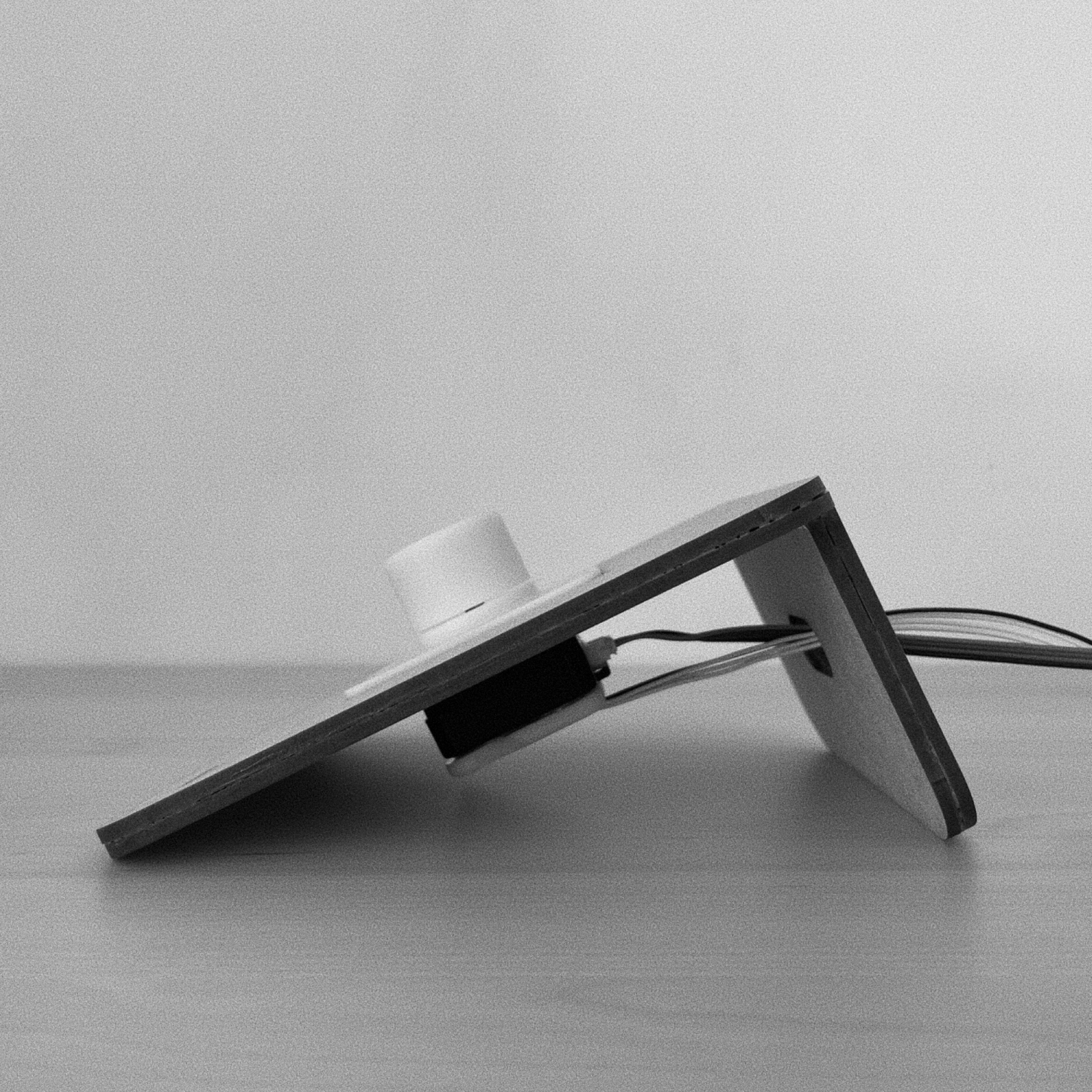
This research aimed to design a non-visual interface in order to simplify music library navigation in cars using haptic rotary dials. The prototype incorporated artificial haptic detents and sounds, allowing users to navigate through the library.
Three different interaction approaches were explored, with pressing the dial to switch resolution emerging as the most promising. The prototype's design and assembly involved experimenting with dial sizes and haptic patterns. The final prototype avoided visual affordances to prevent unnecessary behavior expectations.
Overall, this research offers a potential solution to reduce driver’s distraction and improve music library interaction in personal vehicles.
Haptic media control precedents
My domain was non-visual interfaces for vehicles, and I based the project on Snibbe & MacLean's “Haptic Techniques for Media Control”. Their haptic fisheye used pressure to set data resolution, and their alphabet browser raised resolution as scrolling slowed and was suggested for use while driving.
Haptic feedback cues
Their haptic foreshadowing used vibration to signal upcoming points in the data. Together with the haptic feedback stimuli from Knobology 2.0, it suggested that force applied with or against the spin could announce what comes next.
Observing a driver
I ran one participant observation in a moving car, purely as an observer, to spot the most distracting actions of any kind. It revealed two major issues: typing a song name on the display keyboard and browsing the music library.
Narrowing the problem
I dropped keyboard search because some cars already offer voice search. Browsing the library had no such fallback: no physical control lets drivers do it without looking, so they rely on the touchscreen.
Design opportunity
I framed the opportunity as “How might we make navigating through music library non-visual with the use of haptic rotary dials?” To test my ideas, the prototype had to simulate detents and play different sounds at defined points.
Technology choice
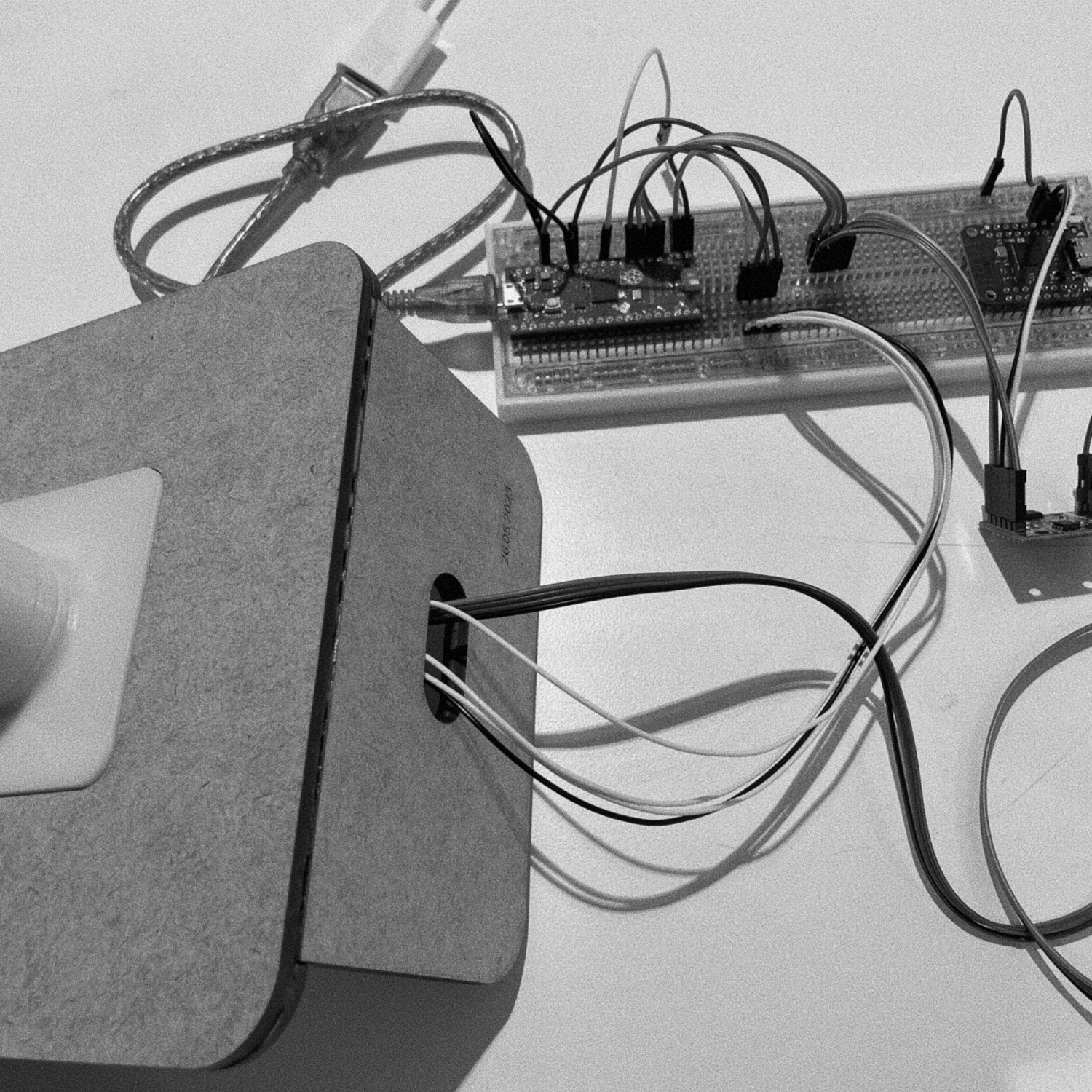
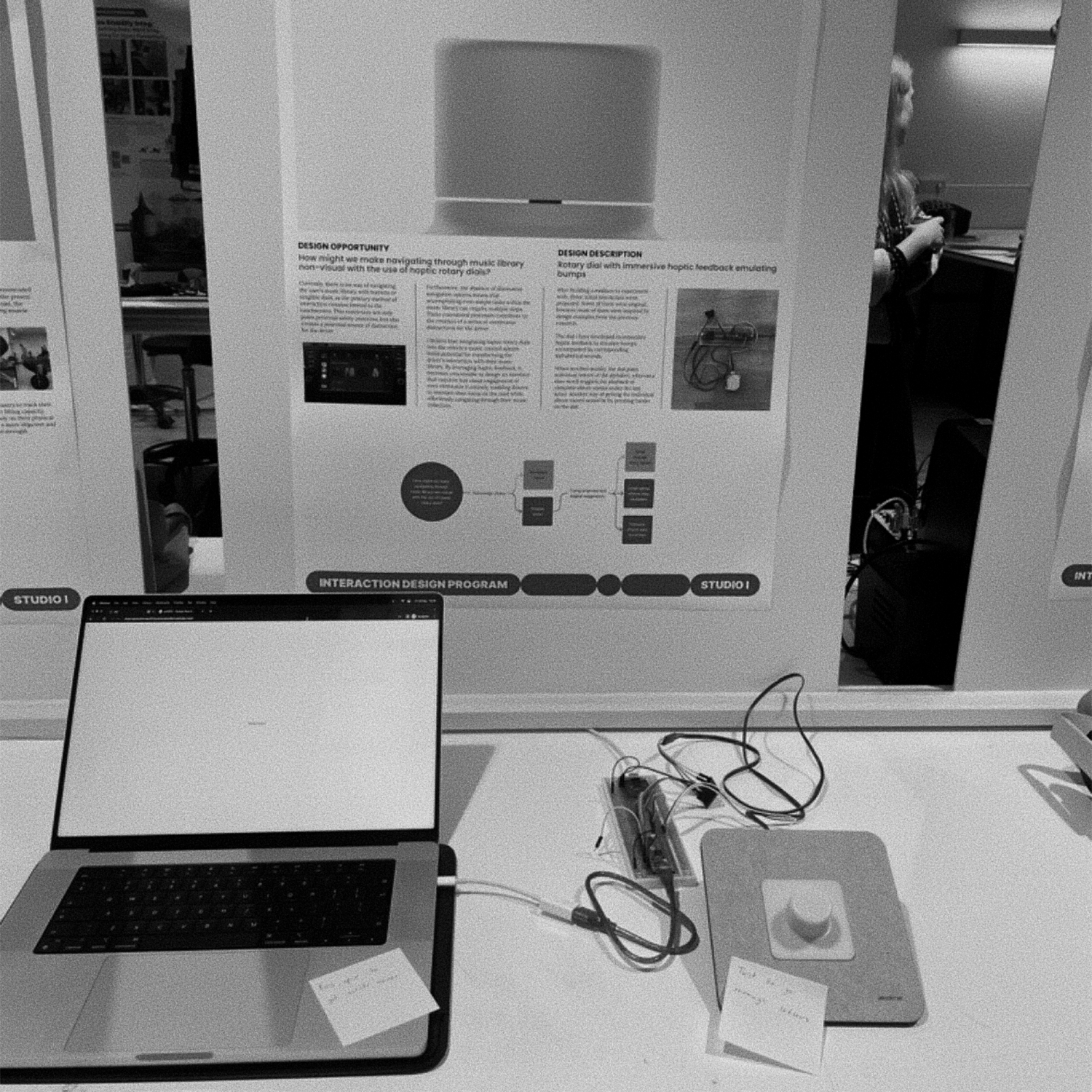
I chose a stepper motor over a brushless motor, with a magnetic encoder sensing its angle. A microcontroller drives the haptic feedback in real time and signals a computer, which plays the sounds.
Haptic detents
Experimenting with motor nudges, I recreated detents where the dial snaps to a set position once it is close enough. A resistive force before each detent wasn't possible with my motor. Spacing detents 30° apart made them interfere, so I settled on 60°, or 6 per turn. Bodystorming shaped the final feel, and with the snaps users settled on an option faster and felt more confident. I also built hard stops to signal the end of the data, but didn't use them.
Dial form
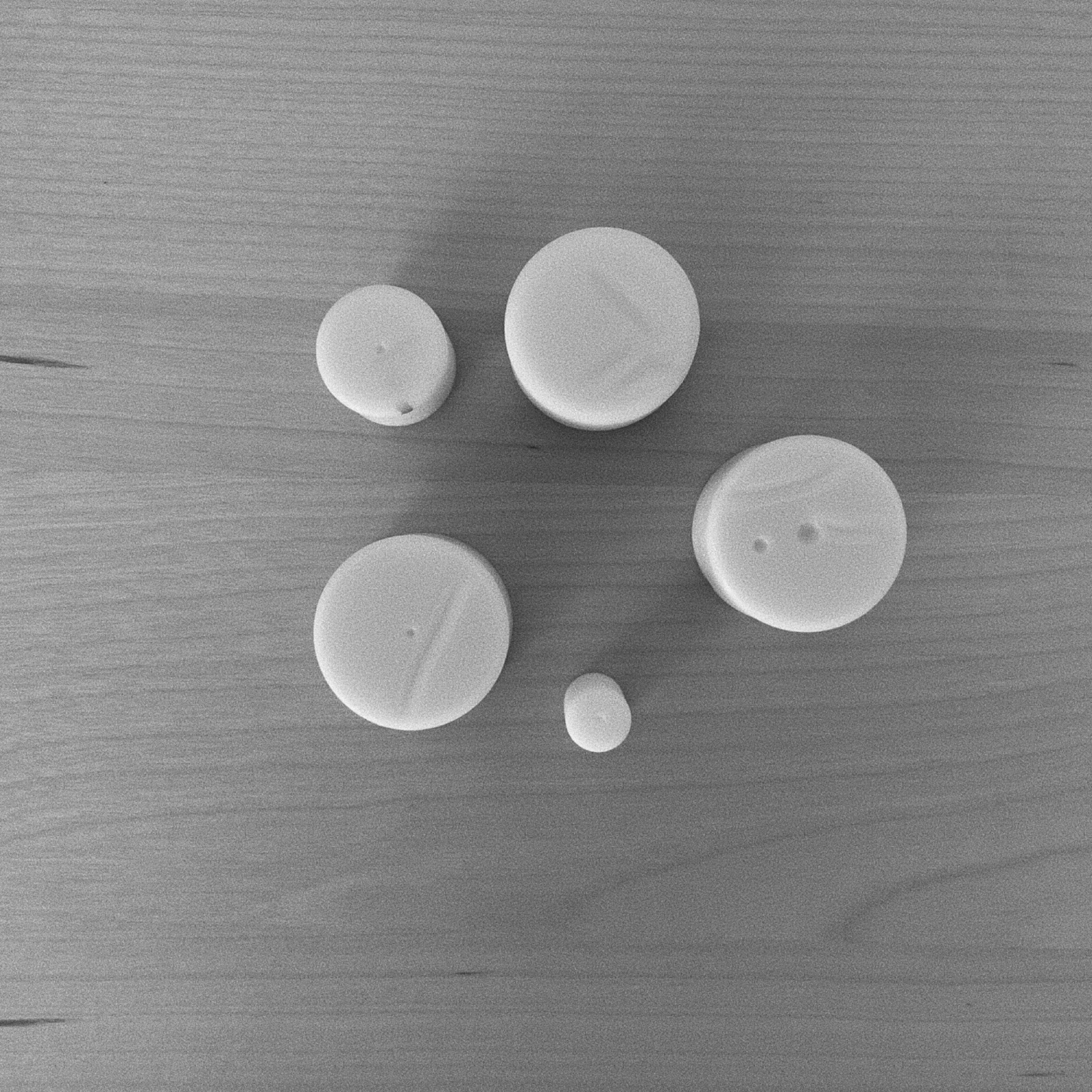
I 3D-printed small, medium and large dials. A small indicator hole on one of them helped me fine-tune the motor. I left all marks off the final dial: unlike in Knobology 2.0, visual affordances would create behaviour expectations a non-visual dial shouldn't set.
Scroll through every option
Every detent moved to the next album or artist. Larger libraries took too long to scroll through and it sometimes caused confusion.
Scroll speed sets resolution
Inspired by the alphabet browser, fast scrolling played only letters, with artist names emerging as scrolling slowed. It was clearly better, but long runs of artists with the same letter made it time-consuming.
Press to change resolution
Inspired by the haptic fisheye, my supervisor suggested pressing the dial to switch resolution. Spinning plays letters, and pressing lists the artists for the chosen letter. Short on time, I used a computer key as the press and didn't get to user-test this interaction properly.