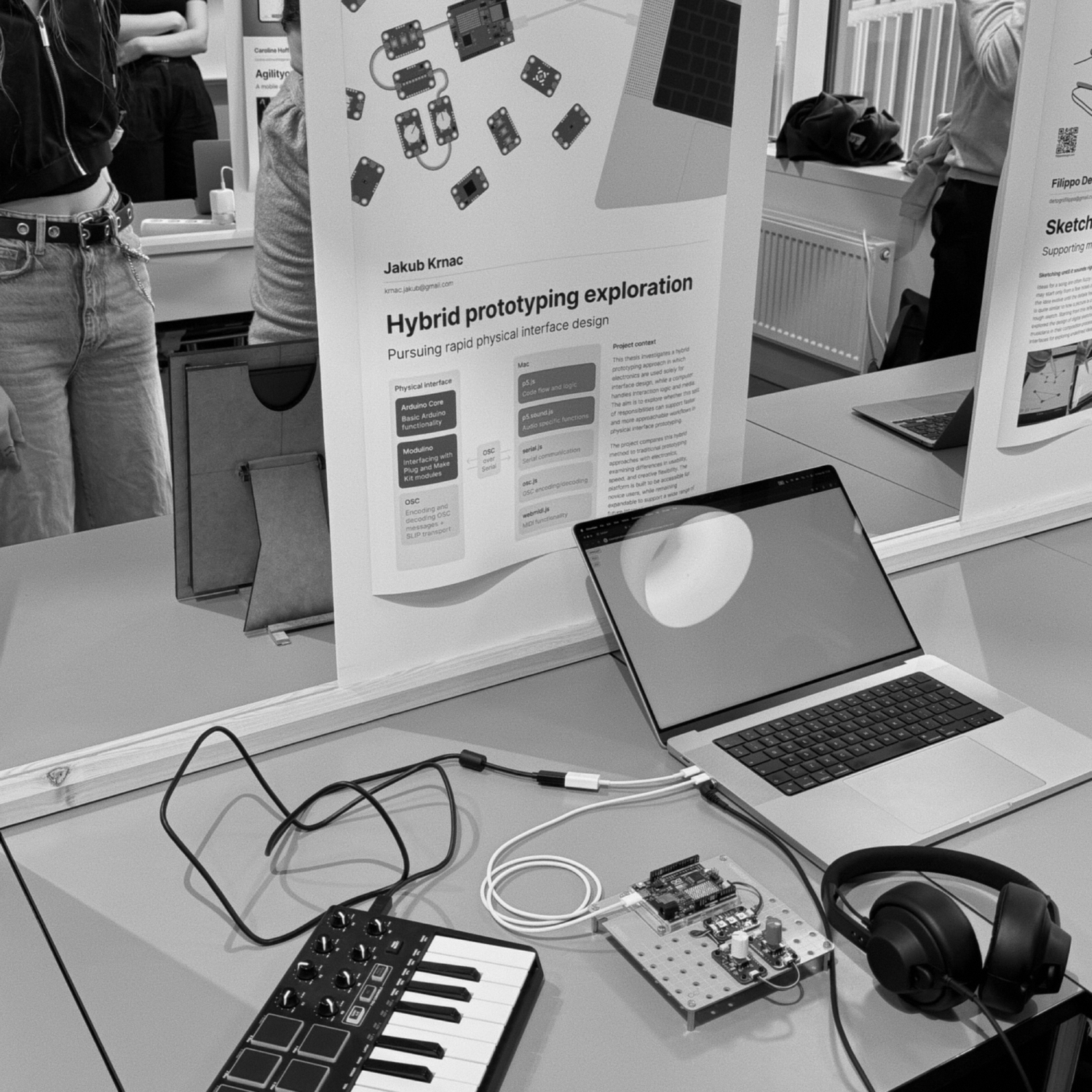
This thesis explores a hybrid prototyping approach for functional prototyping, aimed at lowering technical barriers for interaction design students and recent graduates. The platform separates physical input from software logic, allowing microcontrollers to handle sensing while a browser based application manages interaction and media.
Developed through material exploration and iterative prototyping, the platform was evaluated by replicating and extending a previously developed audio sampler. User testing compared the hybrid platform to a traditional embedded workflow, revealing that the hybrid platform supported faster iteration, clearer debugging, and greater accessibility for non-experts.
The findings suggest that such a setup is well suited for early-stage design work, where flexibility and speed are essential. While the platform may not replace embedded systems in all contexts, it offers a compelling alternative for creative prototyping in education and exploratory design.
Current prototyping practices and associated issues
I found the same problem across the literature: design students lose time to wiring, debugging and learning tools, so the tool becomes the focus instead of the interaction. Myers et al. found 86% of designers found prototyping behaviour harder than designing static visuals. Tools like Arduino mainly support implementation, not the trial-and-error of early exploration.
Functional and high fidelity prototyping
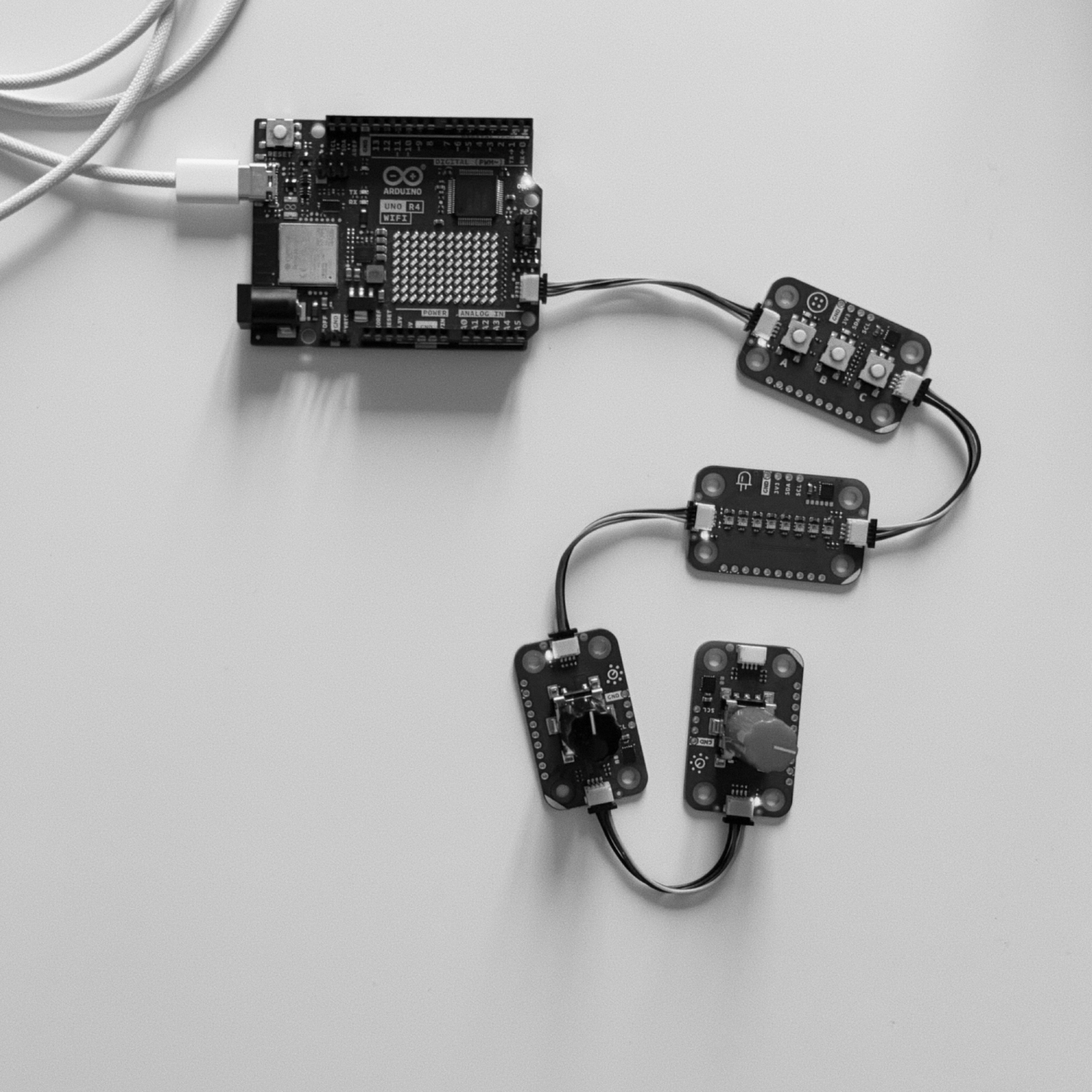
I framed functional, high-fidelity prototypes as the right tool when timing, responsiveness or complex behaviour can't be judged through sketches or Wizard of Oz. That gave me the goal of making such prototypes possible earlier, without heavy technical overhead. My tool research then pointed me to Arduino's Plug and Make Kit with Qwiic/I²C modules, because chainable modules remove breadboard wiring, which students are documented to struggle with.
Previous work
I studied Phidgets, littleBits and .NET Gadgeteer, which all lower barriers by abstracting the hardware but are closed systems where every part has to come from the same ecosystem. So I decided my platform should work with commonly available sensors, modules and microcontrollers instead.
Audio sampler application
Instead of starting a new concept, I replicated my earlier Daisy Seed audio sampler (real-time trimming, playback, rotary encoder, MIDI). Building it in low-level C++ had shown me how demanding embedded audio prototyping is. It gave me a moderately complex test case with clear requirements, while I kept the platform from being tailored only to that one project.
Exploring capabilities of the computer environment
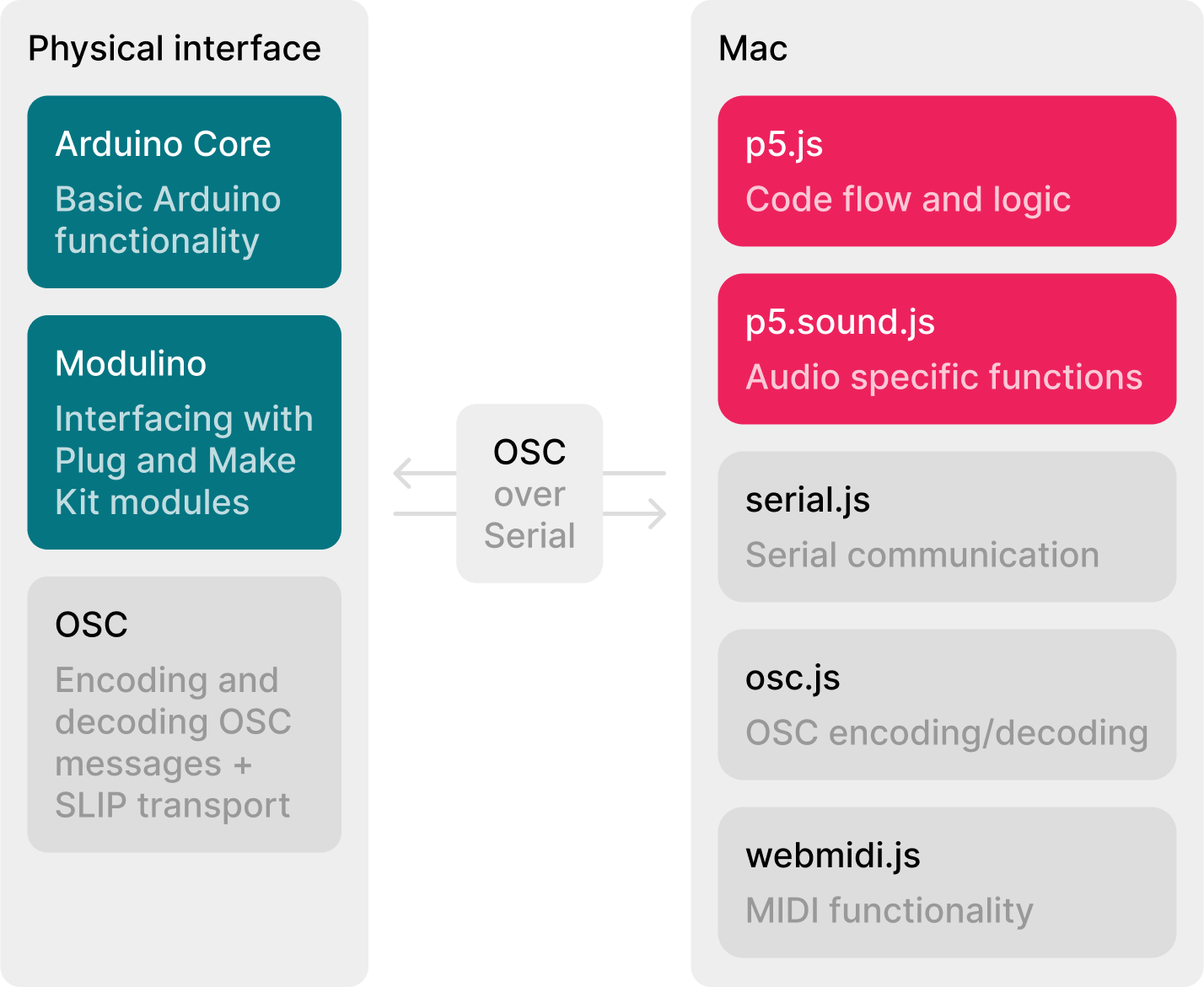
Taking the Wiring/Processing split between hardware and software as a model, I prototyped in both Processing and p5.js and chose p5.js. Its p5.sound.js library covered the audio needs, it plugs into the wider JavaScript ecosystem, and JavaScript is more common in undergraduate interaction design education.
Exploring communication between the interface and computer
Raw Serial has no message structure, so I chose OSC with SLIP encoding over Serial: the CNMAT OSC library on the Arduino, and Web Serial API plus osc.js in the browser. This gave me structured, readable, scalable messages without writing a custom protocol, and it became a central feature of the platform.
Exploring the hardware modules
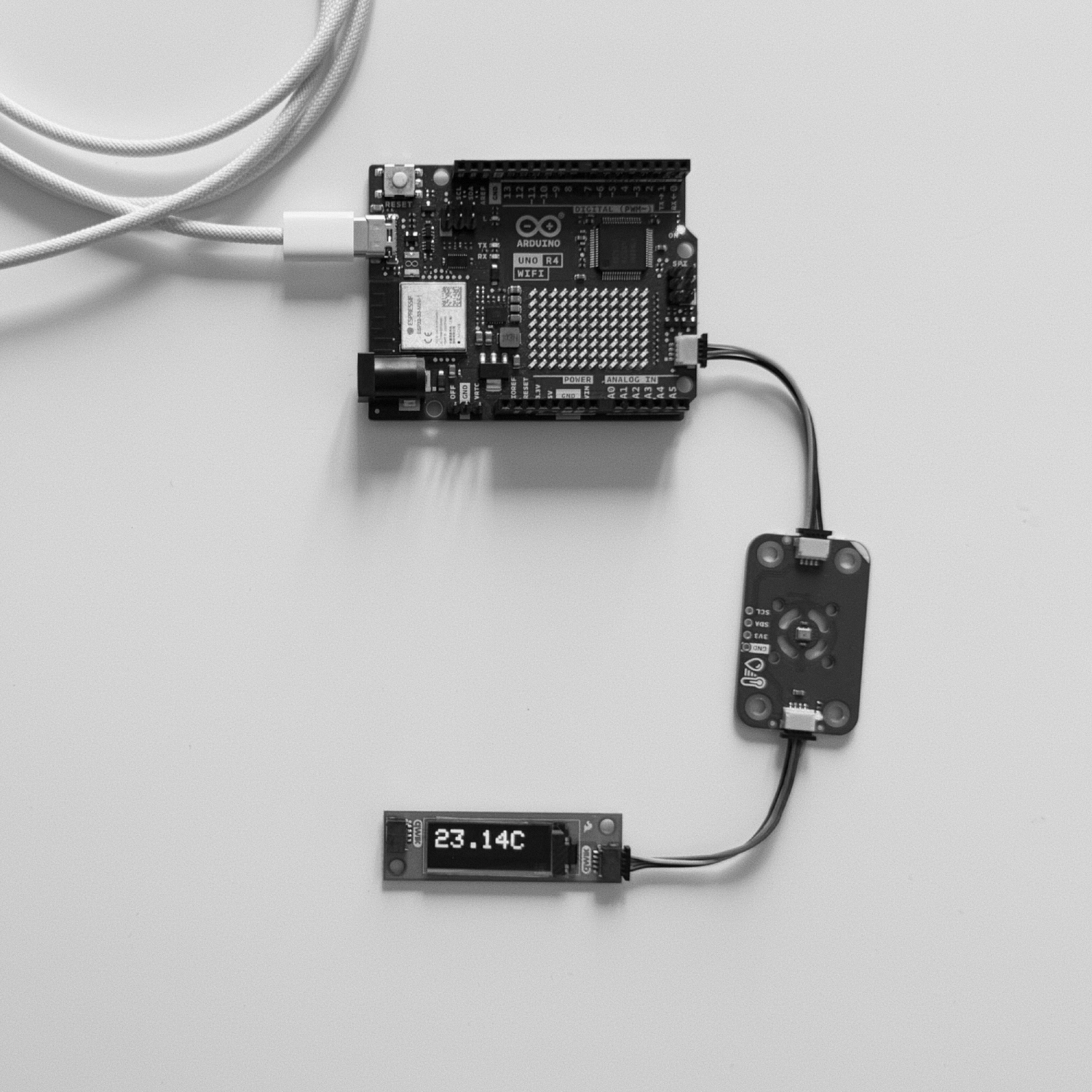
Quick demos (a temperature sensor with an OLED, a distance sensor driving LEDs, a knob-controlled strobe, a buzzer, buttons and encoders) showed that Qwiic modules from different vendors work together out of the box. A SparkFun display worked with Arduino parts with no extra effort. Little setup and ready-made example code left room for design-driven exploration instead of low-level debugging.
Abstracting messaging
I wrapped OSC formatting and encoding in a single Arduino function, OSCSendMessage(), so users never build OSC messages or deal with serial operations by hand. In testing, participants named it as helpful, though one still found the OSC/SLIP layers overwhelming and asked for an even simpler sendMessageToComputer().
Refining and modularizing the codebase
I built a lightweight Web Serial library that feeds osc.js's SLIP decoder and passes decoded messages to one customizable handler function. The designer decides what each message does there (play audio, update visuals, change state), so the platform isn't locked to one use case.
Annotating the codebase
I annotated the whole template with comments and examples showing how to add new behaviour, and documented OSCSendMessage() with example usage so people with little programming experience could start quickly. Testing showed it mostly worked, but one participant found the handleMessage() hook unclear and another wanted more message-handling examples.
Rebuilding audio sampler from Daisy Seed to hybrid prototyping platform
I matched the original interaction and UI: sample manipulation, playback and MIDI triggering. Having a fixed scope helped me pick technologies and design communication patterns early, while keeping the platform general.
Including necessary software libraries
p5.sound.js had no native pitch shifting, so I added Tone.js. The hard part was that web audio libraries have to share one audio context, which the documentation didn't make clear and I only solved through experimenting. Adding webmidi.js for keyboard triggering showed the platform can take project-specific extensions, but each one adds complexity.
Preliminary interview
Before the task, I asked three participants (one interaction design student, two recent graduates) about their experience with microcontrollers, programming and functional prototyping, to place them in the target group and spot biases. All had some Arduino and JavaScript experience, but their familiarity with Daisy Seed and p5.js varied. That prior experience later explained preferences, for example the one participant who preferred Daisy Seed.
Comparative performance test on both platforms
Each participant built an oscillator with frequency controlled by a rotary encoder on both platforms, hardware pre-wired, up to one hour each. The hybrid platform was faster or more complete: 25 min vs. a timeout on Daisy Seed, 37 vs. 48 min, and 30 vs. 28 min including 4 min lost to a faulty encoder. In hindsight, all participants started with Daisy Seed, and that fixed order may have affected the results.
Closing interview
Two of three preferred the hybrid platform, and all named browser-console debugging without re-flashing firmware as its main advantage. Two participants said the comparison wasn't entirely fair: they would still choose a microcontroller-only solution for portable, self-contained prototypes, but see the hybrid platform as ideal for trying things out quickly.
Adding new features
I added a delay effect by mapping a spare button to a p5.sound Delay node, which took little time and minimal debugging. I then rebuilt the same feature on Daisy Seed. It was possible with its built-in delay line class but slower, because I had to reprogram the board after every change, debug through a basic serial monitor, and work from thinner documentation.
Reflective practice
I kept a journal comparing both platforms on time, skills required, frustration and flexibility. The hybrid platform needed mostly high-level programming, iterated much faster and felt more fluid. Daisy Seed needed embedded and low-level debugging skills and caused more frustration because of the slow feedback loop.